10 Apr 2026
Post by Fiona
Introduction
Integrating MyQ with Alexa dramatically enhances smart home capabilities, offering unparalleled convenience and efficiency. This guide will show you how to connect MyQ, a leading smart garage door opener, to Alexa, Amazon’s renowned voice assistant. By establishing this connection, you’re able to control your garage door with straightforward voice commands, empowering your smart home setup with increased automation and flexibility.
Understanding MyQ and Alexa
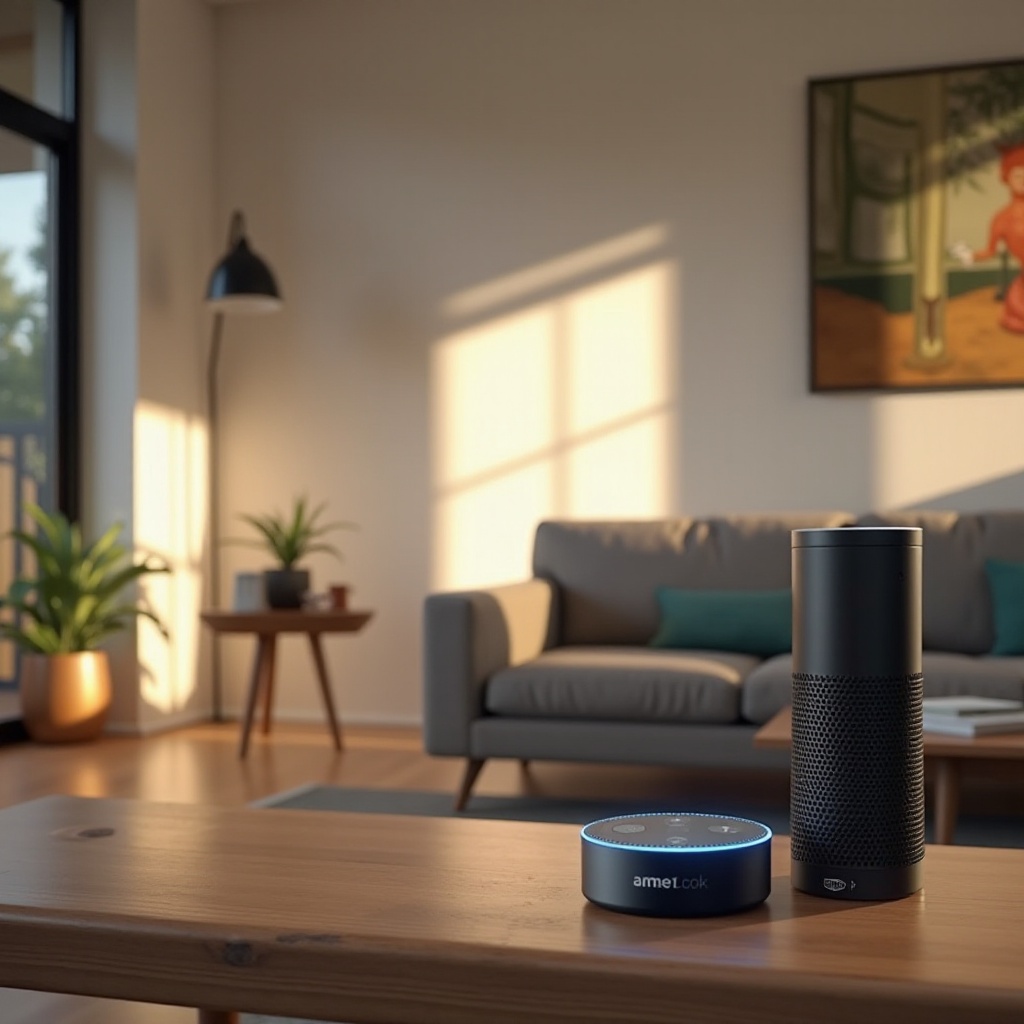
First, it’s important to understand the key technologies involved. MyQ, developed by the Chamberlain Group, enables garage door openers to connect to the internet, allowing remote management via smartphones. Alexa, developed by Amazon, is a virtual assistant that facilitates smart device control through voice interaction.
Together, MyQ and Alexa can transform your home operations. This integration lets you operate your garage seamlessly, ensuring all your devices collaborate harmoniously.
Prerequisites for Connection
Before you can connect MyQ to Alexa, make sure you have the following essentials:
- MyQ-Compatible Garage Door Opener: Verify your garage door opener supports MyQ for seamless integration.
- Stable Wi-Fi Connection: A robust internet connection is crucial for uninterrupted device performance.
- MyQ App: Install the MyQ app on your smartphone and set up an account.
- Alexa Device: Ensure you have an Alexa-compatible device, such as an Amazon Echo.
- Active MyQ Account: Log in to your MyQ account, confirming it’s linked to your garage door opener.
After confirming these prerequisites, you can proceed with the connection process, ensuring a smooth setup.
Step-by-Step Guide to Connecting MyQ to Alexa
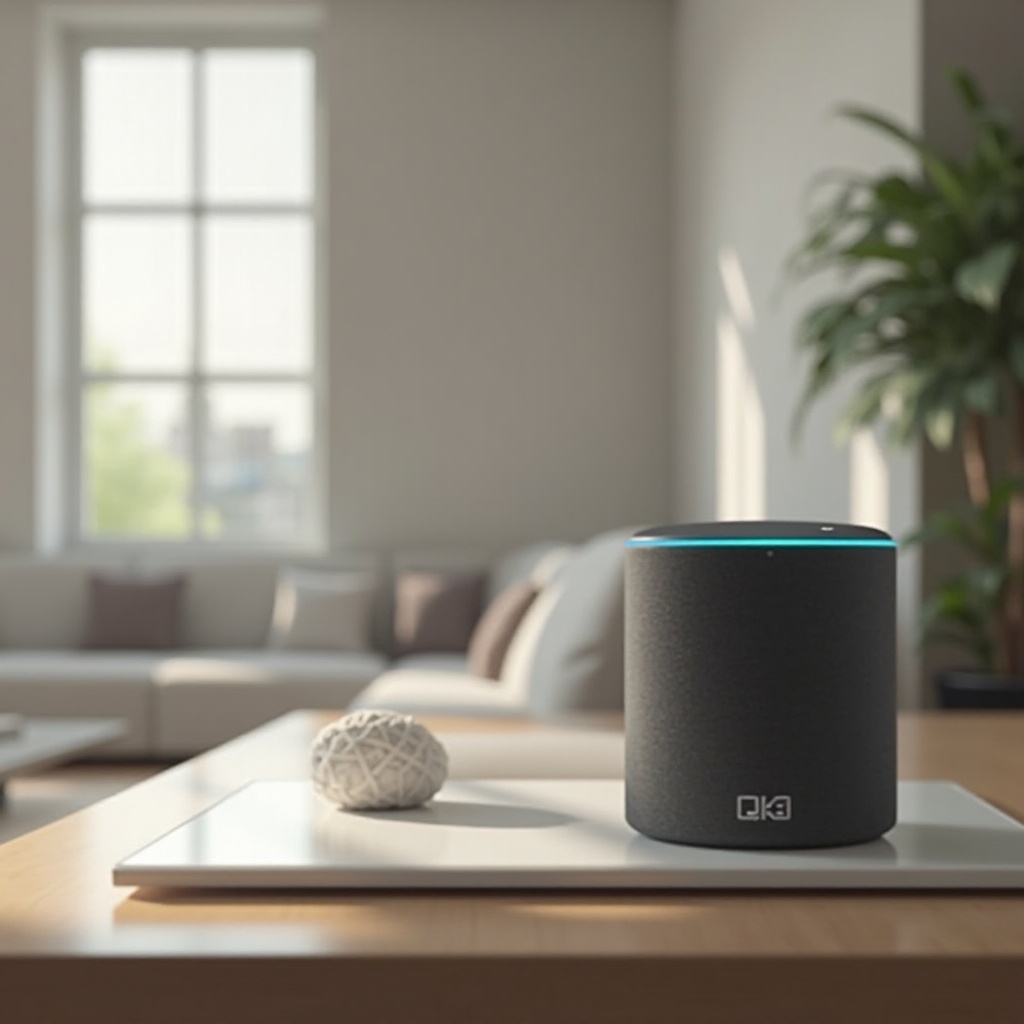
Linking MyQ to Alexa is a straightforward process:
- Open the Alexa App: Launch the Alexa app on your mobile device.
- Enable MyQ Skill: Navigate to Skills & Games, search for ‘MyQ,’ and enable it.
- Link Accounts: Use your MyQ credentials to sign in and connect accounts.
- Discover Devices: Prompt Alexa to ‘discover devices’ or start a manual device search through the Alexa app.
- Test the Connection: Once detected, test the setup by asking Alexa to open or close your garage door.
Following these instructions ensures your MyQ and Alexa devices work together seamlessly, granting you easy control over your garage access.
Setting Up Voice Commands and Routines
With MyQ and Alexa connected, setting up voice commands and routines is next:
- Voice Commands: Issue simple commands such as ‘Alexa, open the garage,’ or ‘Alexa, is the garage closed?’ To improve efficiency, make sure Alexa recognizes these correctly.
- Routines: Set up routines for added automation. For example, create a night routine that closes the garage door and checks the house’s lights before bed.
Efficient command and routine management enrich the smart home experience, ensuring daily activities are consistently streamlined.
Troubleshooting Common Issues
If you encounter issues during setup, here are some troubleshooting tips:
- Device Discovery Problems: If MyQ isn’t detected by Alexa, check that it’s powered on with an active Wi-Fi connection. Restart your router if necessary.
- Unresponsive Devices: Ensure both MyQ and Alexa apps are up-to-date and verify your internet connectivity.
These troubleshooting steps help maintain optimal smart home functionality, resolving minor technical difficulties effectively.
Security and Privacy Considerations
While instituting convenience, prioritize security and privacy:
- Strong Passwords: Use robust passwords for your MyQ and Alexa accounts.
- Two-Factor Authentication: Enable this protective measure, requiring an additional verification code beyond your password.
Implementing these security measures safeguards your home and personal information from unauthorized access.
Conclusion
Connecting MyQ to Alexa significantly amplifies the functionality and convenience of your smart home system. By linking these technologies, you ensure easy control of your garage door, embedding it within your broader smart home network. Investing some time in setting this up can greatly enhance your home’s automation and efficiency.
Frequently Asked Questions
How can I ensure my MyQ device is compatible with Alexa?
Verify that your garage door opener supports MyQ technology. Check the compatibility on the MyQ website or app.
What should I do if Alexa is unable to control my MyQ device?
Ensure both devices are on the same Wi-Fi network, check for software updates, and restart your devices if necessary.
How do I update my MyQ and Alexa settings as technology advances?
Regularly update the MyQ app, Alexa app, and your devices to incorporate new features and improvements.