16 Jan 2026
Post by Fiona
Introduction
The Apple Watch is redefining how athletes approach their fitness goals, particularly in endurance sports like triathlons. With its advanced triathlon mode, the Apple Watch provides comprehensive tracking and insights that can greatly enhance your training and performance. This article will guide you through understanding the triathlon mode, setting up your device for effective training, and making the most of its features on race day.
Understanding Apple Watch Triathlon Mode
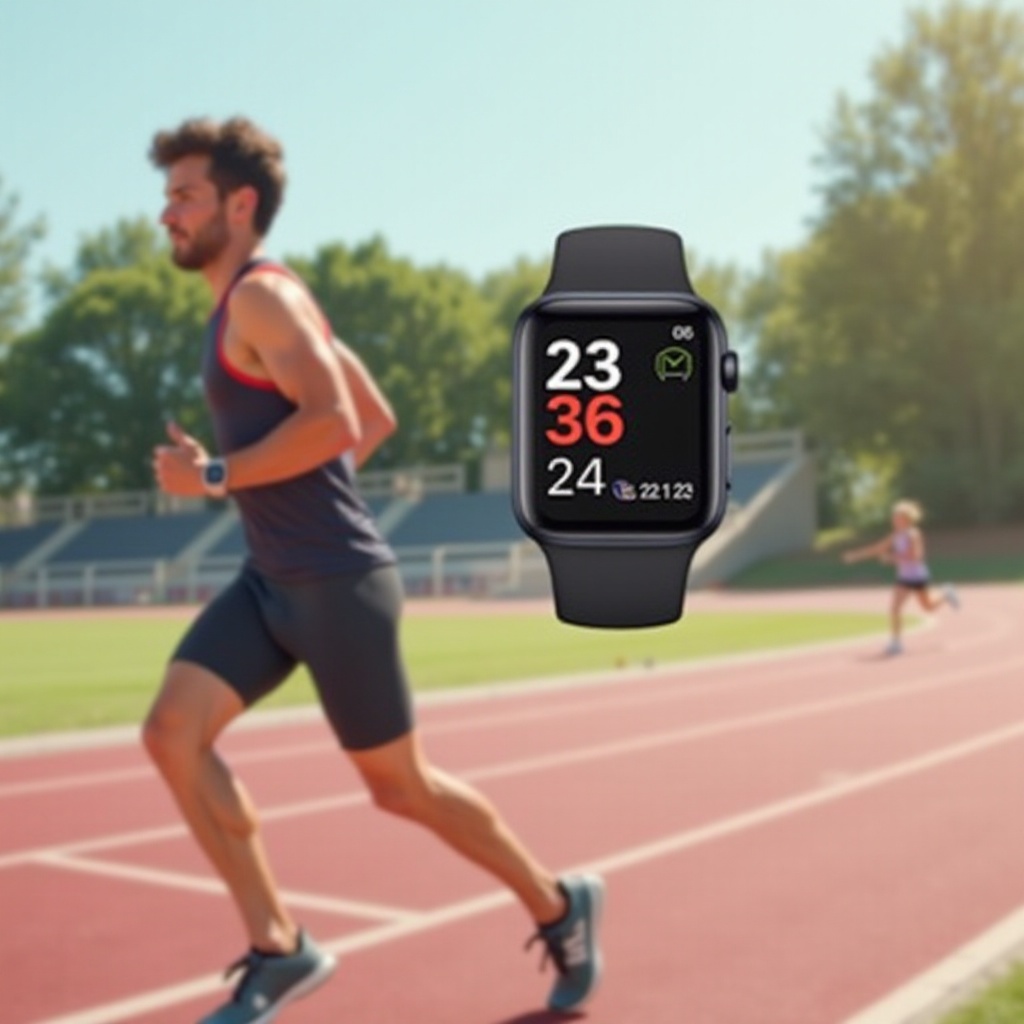
The Apple Watch’s triathlon mode is a tailored feature for athletes engaging in multi-sport competitions like triathlons, where swimming, cycling, and running are combined. This mode offers a seamless experience, recording transitions and the individual segments of your race, all within one workout. It provides real-time metrics, including heart rate, pace, and distance, while integrating GPS for accurate route tracking.
Key Features:
1. Multi-Sport Capability: Effortless switching between the three disciplines.
2. Real-Time Data: Instant feedback on key metrics like pace and heart rate.
3. Integrated GPS: Accurate tracking of your course and elevation changes.
By understanding these features, you can use the Apple Watch not just to track your activities but to analyze and improve your performance over time.
Setting Up Your Apple Watch for Triathlon Success
Before starting your triathlon training, it’s crucial to configure your Apple Watch properly to guarantee the best tracking accuracy and data usability.
- Activate Triathlon Mode: Access the Workout app and select the triathlon option.
- Customize Your Settings: Tailor settings for alerts on heart rate, pace, and distance to align with your personal training goals.
- Integrate Fitness Apps: Sync with apps like Strava or TrainingPeaks for an enriched data experience.
Proper setup is critical to making sure that your watch delivers the most useful data possible, paving the way for you to focus more on your training and less on technology.
Training with Apple Watch Triathlon Mode
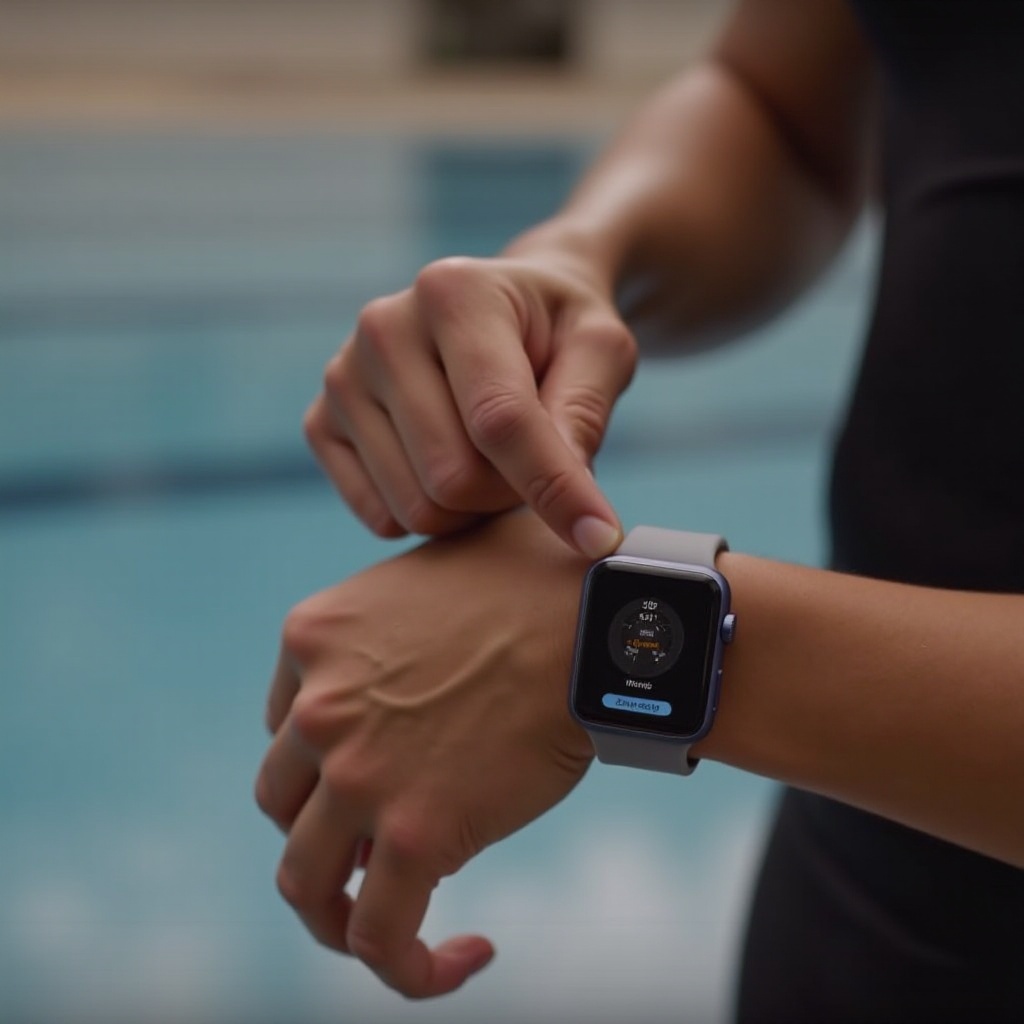
Using the Apple Watch for training offers athletes the ability to monitor and adjust their regimen effectively, leveraging its advanced data collection across various activities.
- Swimming Metrics: Observe your laps, stroke count, and efficiency.
- Cycling Data: Track your cadence, speed, and terrain changes.
- Running Analysis: Utilize pace, heart rate zones, and VO2 estimates for refined running strategies.
Consistent monitoring ensures you can focus on enhancing weaker areas while maintaining strength in your main domain, promoting well-rounded athletic development.
Race Day: Utilizing Apple Watch for Optimal Results
As you gear up for race day, the Apple Watch transitions from a training tool to a performance enhancer, helping you maintain focus and pace.
- Pre-Race Checks: Ensure your device is fully charged and worn securely.
- Transition Support: Use the watch’s intuitive interface for quick and efficient transitions between sports, helping you save valuable time.
- Real-Time Feedback: Receive live updates to keep your performance aligned with your race strategy.
This real-time information empowers athletes to make in-the-moment decisions and adapt their strategy as necessary, optimizing their overall performance.
Insights from Triathletes Using Apple Watch
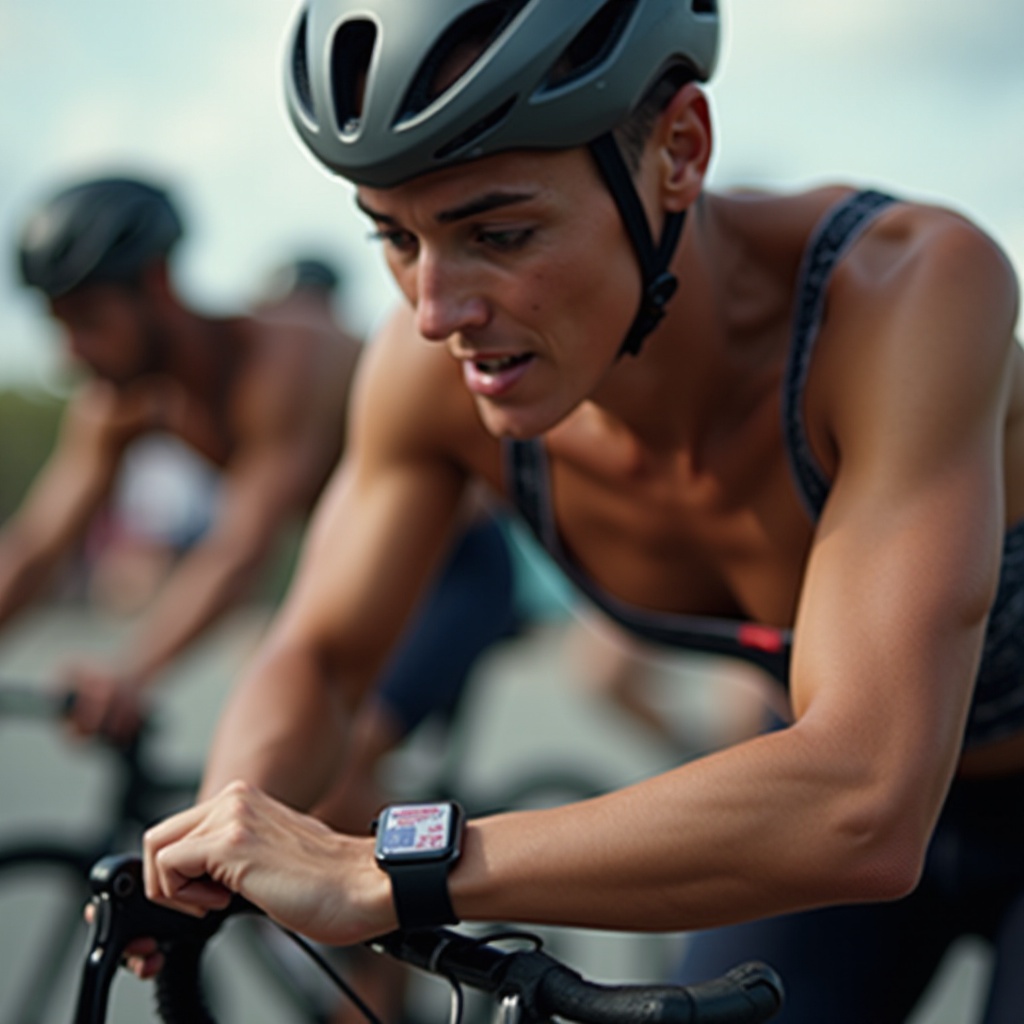
Athletes worldwide report significant improvements in their triathlon performances when using the Apple Watch. Many have shared experiences of reduced transition times and enhanced endurance, attributing these gains to the detailed insights provided by its metrics. Success stories include setting personal bests and achieving newfound levels of fitness and competition readiness.
These insights confirm the Apple Watch as an essential tool for triathletes aiming to improve their performance through data-driven training.
Pros and Cons of Using Apple Watch in Triathlons
Recognizing both the advantages and limitations of the Apple Watch helps users make informed decisions about its use in their training and competitions.
Pros:
– Comprehensive Multi-Sport Tracking: Tracks swimming, cycling, and running seamlessly.
– App Integration: Supports enhanced analysis through third-party apps.
– Water Resistance: Handles swimming conditions effectively.
Cons:
– Limited Battery Life: Intensive use might necessitate mid-event charging solutions.
– Complex Setup: Requires a learning curve to maximize its feature set.
Weighing these factors will help athletes leverage the watch’s strengths while strategizing around its limitations to achieve the best results.
Conclusion
The Apple Watch’s triathlon mode is a transformative feature that offers athletes the tools necessary to elevate their training and competitive edge. With thoughtful setup and strategic use, this device not only ushers in a new realm of possibilities for personal bests but also provides valuable insights into the athlete’s journey. Incorporating this advanced technology into your routine could be the key to attaining your next major performance milestone.
Frequently Asked Questions
How do I activate triathlon mode on my Apple Watch?
To activate triathlon mode, open the Workout app, scroll to find triathlon, and press start. Ensure your watch settings are calibrated for accurate tracking.
Can I use third-party apps with Apple Watch triathlon mode?
Yes, integrating apps like Strava and TrainingPeaks can enhance your data analysis, providing detailed insights into your workout performance.
Is the Apple Watch waterproof for triathlon swimming events?
Absolutely, the Apple Watch is designed to handle swimming scenarios, offering reliable performance metrics even in water-based environments.